

AI Booking Agent
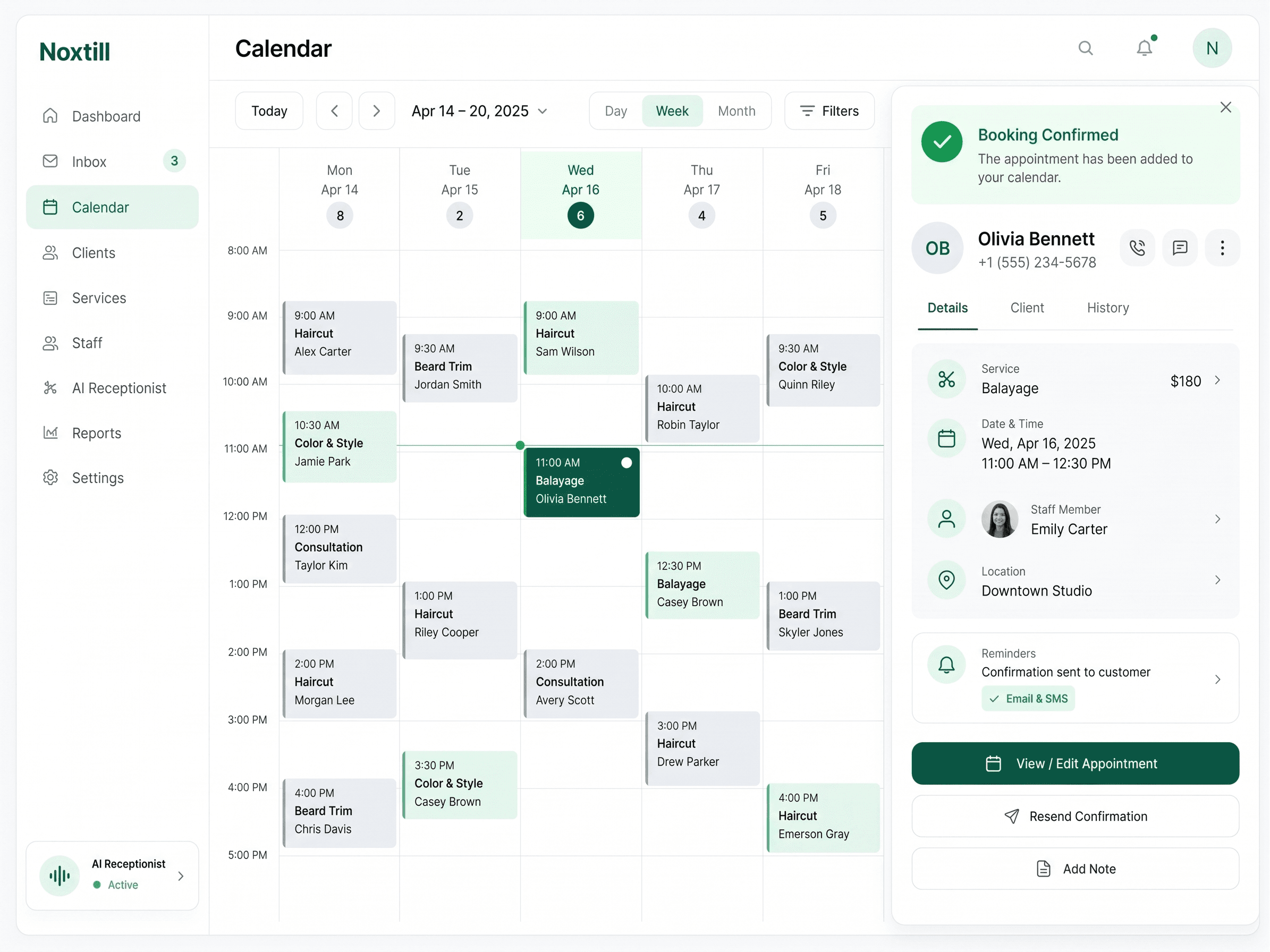
A full calendar, without the back-and-forth.
Customers book, pay a deposit and get reminded — by chat, link or phone — while the Booking Agent keeps your calendar clean.
Mon
Tue
Wed
Thu
Fri
Three ways customers book
Wherever they find you, they can book.
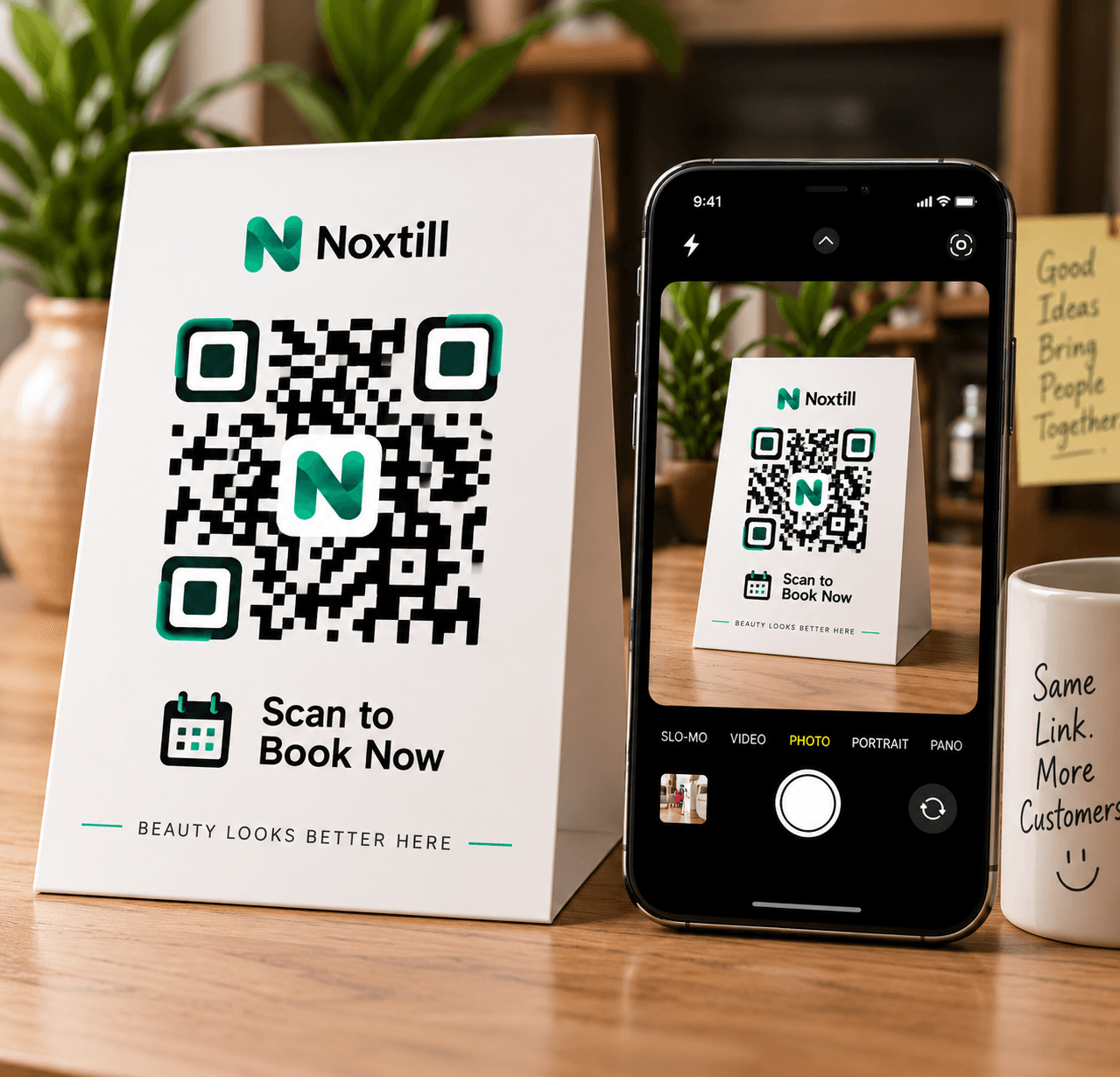
Scan at the counter
A QR code on your counter or window opens your booking page.
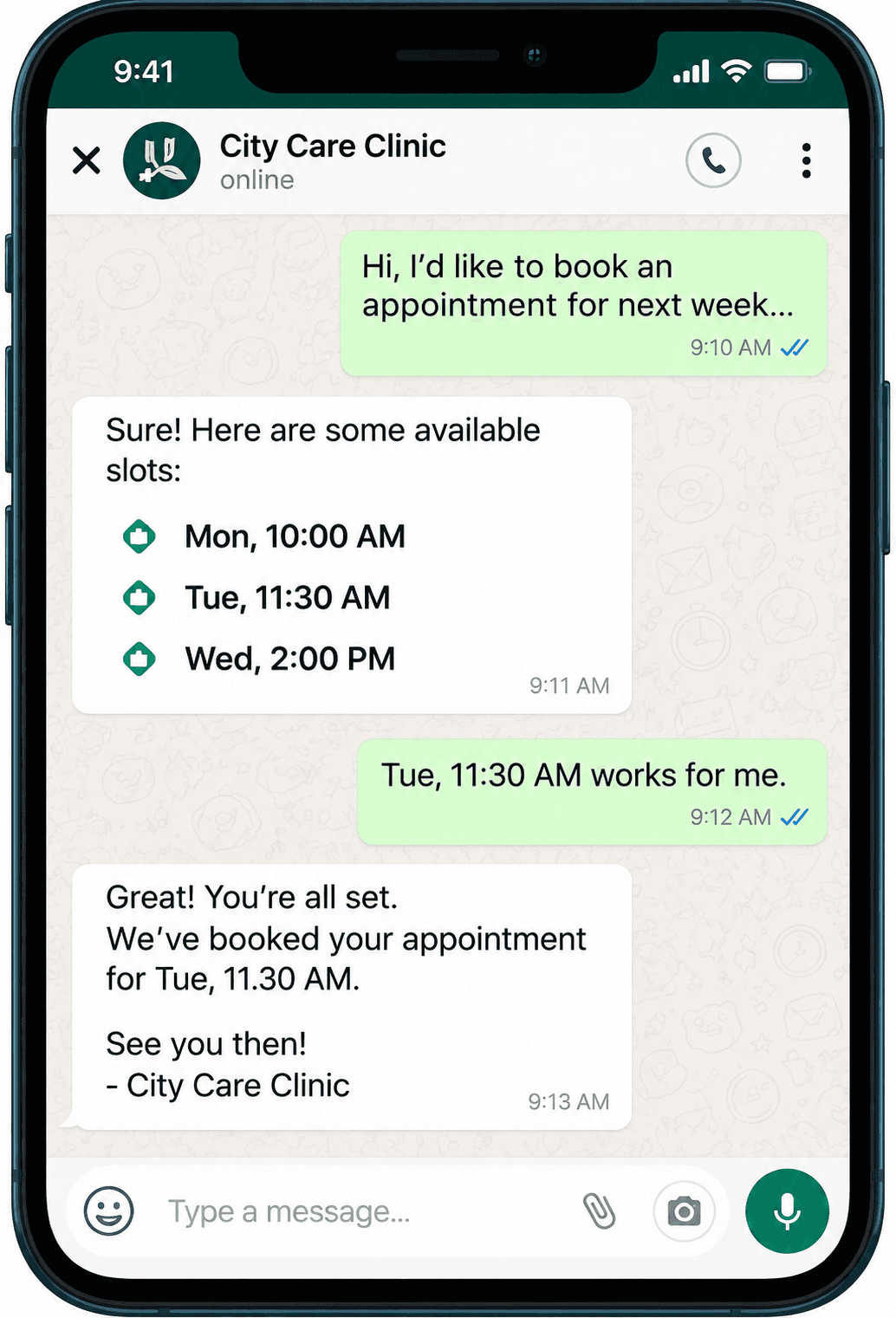
Ask in a chat
On WhatsApp, the agent offers open times and confirms the one they pick.
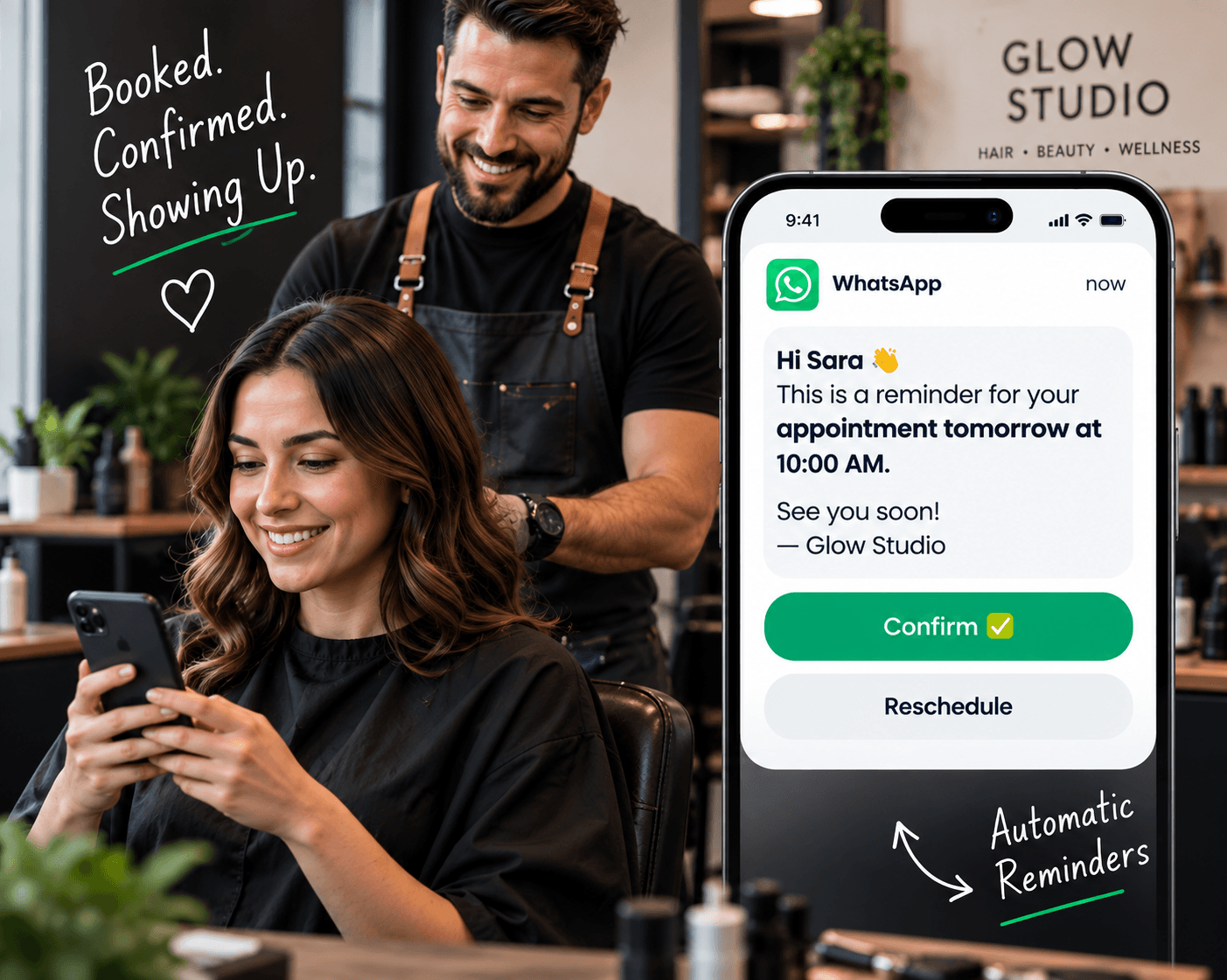
Confirm from a reminder
Reminders let customers confirm, move or cancel in one tap.
Booking rules
Your rules, every booking
Set it once. It sticks to it.
Deposits, buffers, cancellation windows and who can do what. The agent applies the same rules whether the booking comes from a chat, a link or a call.
New Booking
Sarah Khan
Hair Cut · Tomorrow 10:00 AM
Reminder Sent
WhatsApp · 24 hours before
Customer Confirmed
Appointment Completed
On time
Fewer no-shows
From booked to showed up.
Every step is tracked: booked, reminded, confirmed, completed. When someone doesn’t confirm, the slot is flagged before the day starts.
For the whole team
Each person’s real schedule.
- Working hours, breaks and time off per person
- Services matched to the staff who offer them
- Recurring visits booked in one go
FAQ
Booking Agent questions.
Does it book from my real availability?
Yes. It offers only times your staff are working, minus breaks, time off and the buffers you set, so it never double-books.
Can it take a deposit?
If you turn deposits on, the customer pays through your connected payment provider before the booking is confirmed.
How do reminders work?
You choose when reminders go out and on which channel. Customers who opted out of messages are skipped.
What about reschedules and cancellations?
Customers can move or cancel inside your policy window. Late changes follow your cancellation rules.
Let the calendar fill itself.
Start a 14-day free trial or book a demo to see the Booking Agent on your own calendar.