

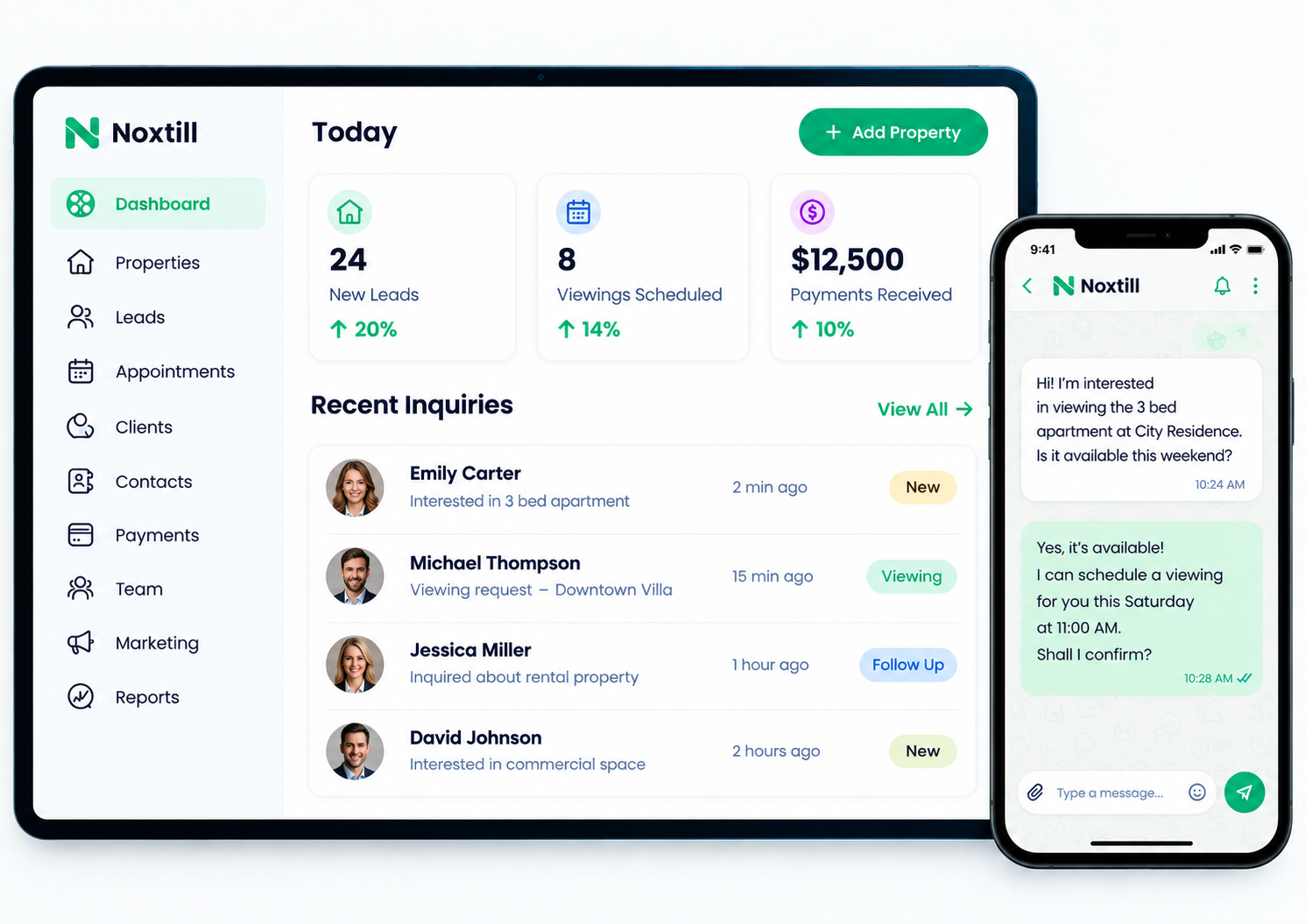
Why it matters
Scattered inquiries become forgotten ones.
A quote request comes in through the website, the same person sends an Instagram message an hour later, and a third inquiry is a missed call. Two people reply to one lead while another gets no reply at all.
Lead management puts every inquiry in one list with its source, merges the duplicates and gives each one an owner and a next step.
How lead management works
A clearer way to work.
Select a step to see what happens and what your team sees.
Step 1 of 5
Capture inquiry
Website forms, calls and connected social messages create a lead with the source attached.
On screen
Lead Source: Website form · Oct 13 · 9:14 AM ET
Interface and key controls
See the details that keep work moving.
Filter the list, merge a duplicate, assign an owner and change the status. The next step updates with it.
Business scenarios and exceptions
Designed for real-world exceptions.
Every lead keeps the source it came from, duplicates are merged rather than deleted, and leads that go quiet are flagged instead of disappearing.
Business scenario
A practical day in the business.
Oak Hollow Landscaping in Raleigh, NC gets inquiries from its website, Google Business Profile and Instagram. Two estimators share the work.
- 9:14 AM — Ashley Morgan requests a patio quote on the website.
- 9:40 AM — She also sends an Instagram DM. Noxtill flags the matching phone number.
- 9:45 AM — Office manager merges the two and assigns Derek Shaw as owner.
- 9:52 AM — Derek calls, marks the lead Contacted and sets the next step: quote by Oct 15.

How are leads assigned and tracked?
Each new lead gets an owner, either by a rule you set or by hand. Its status, activity and next step stay on the record so anyone can see where it stands.
How are duplicates detected?
Leads with a matching phone number or email are flagged as possible duplicates. A teammate reviews and merges them; nothing is merged without review.
Which lead sources can it capture?
Website forms, calls, text messages and connected social inboxes, depending on the channels you connect. Each lead shows where it came from.
Who should use lead management?
Service businesses and local sales teams that get inquiries from more than one place and share follow-up between people.
What happens if a lead never replies?
After the attempts you set, the lead is marked “No response” with a final check-in date, so it is closed on purpose instead of forgotten.
Give every inquiry an owner.
Start a 14-day free trial or book a demo to set up lead management for your team.