

Why it matters
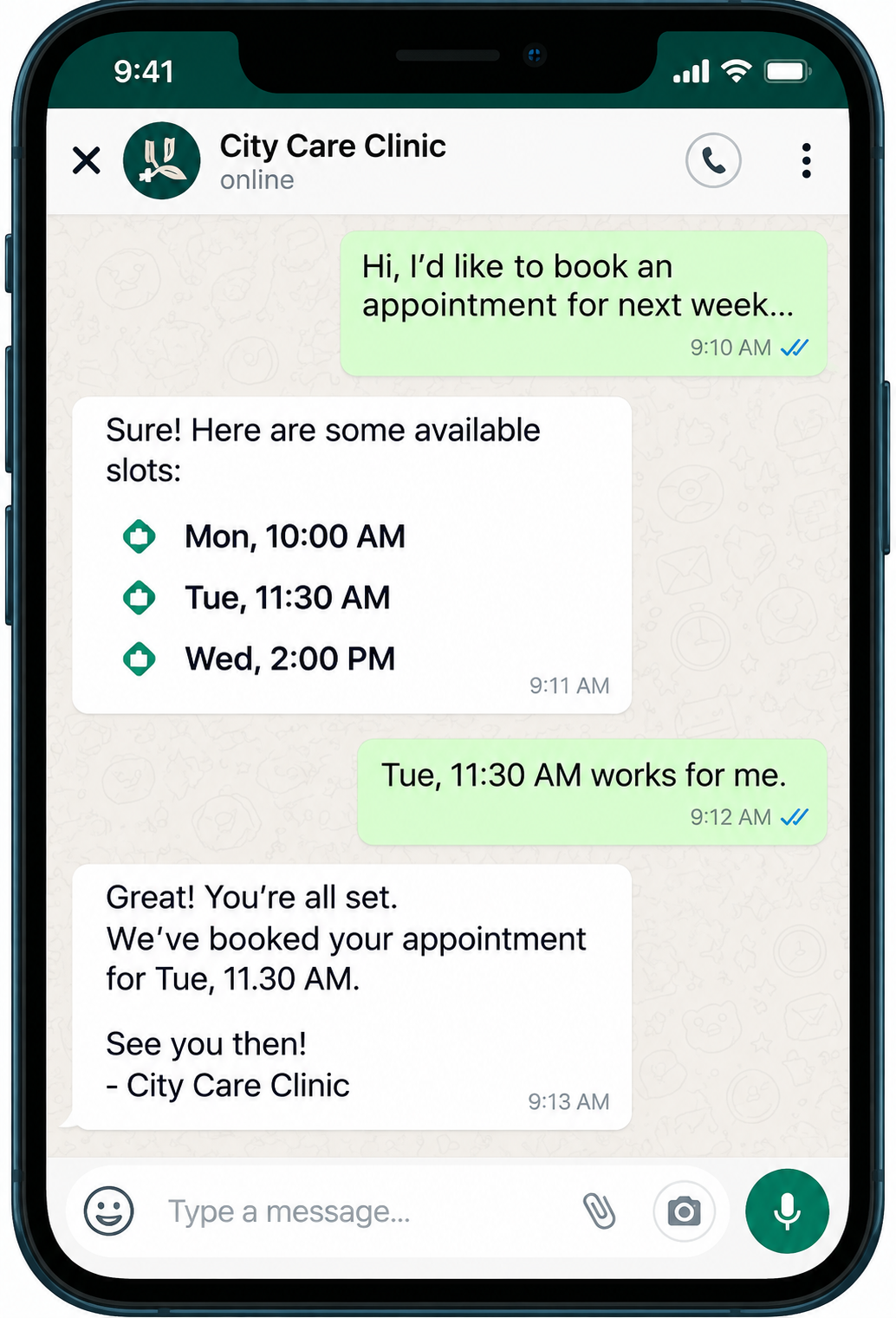
One changed appointment can mean ten messages.
“Can I come Thursday instead?” starts a text chain: what times are open, is there a fee, did you get my message. Meanwhile the old slot sits empty and the new one might get booked by someone else.
Rescheduling shows only allowed times, applies your policy automatically and moves the booking in one step.
How rescheduling works
A clearer way to work.
Select a step to see what happens.
Step 1 of 5
Open reservation
The customer or a staff member opens the booking to change it.
On screen
BK-3107 · Haircut · Thu, Oct 15 · 2:00 PM CT
Interface and key controls
See the details that keep work moving.
Change when the request is made to see the policy apply, pick a new time, and watch what happens when a time is taken mid-change.
Original Slot
Thu, Oct 15 · 2:00 PM CT
Booking BK-3107 · Haircut with Marco Diaz · Jasmine Cole
New Availability
Change Policy
Free changes until 24 hours before the appointment.
Business scenarios and exceptions
Designed for real-world exceptions.
The booking ID never changes, two people can’t grab the same new time, and cancellation or late-change rules are shown before anything is confirmed.
Business scenario
A practical day in the business.
Southside Barber Co. in Kansas City, MO lets clients reschedule from their reminder text. Free changes are allowed up to 24 hours before.
- Mon 9:12 AM — Jasmine Cole taps “Reschedule” on her Thursday 2:00 PM booking.
- 9:12 AM — She sees Marco Diaz’s open times for Thursday and Friday only.
- 9:13 AM — She picks Thursday 4:00 PM. It’s 3 days out, so there’s no fee.
- 9:13 AM — BK-3107 moves; Jasmine and Marco each get one notice, and 2:00 PM reopens.

Can customers move a booking themselves?
Yes, from their confirmation or reminder, within the rules you set. Staff can also move bookings from the calendar.
What does the change policy control?
How close to the appointment a free change is allowed, whether later changes need approval, and any fee shown before confirming.
Does the booking get a new number?
No. The booking keeps its ID, so history, payments and notes stay attached.
Who should use rescheduling?
Appointment businesses whose calendars change often, such as barbers, salons, clinics and studios.
What if two people pick the same new time?
The first confirmed change wins. The other person is told immediately and shown the next open times.
Let schedules change without the back-and-forth.
Start a 14-day free trial or book a demo to set up rescheduling.