


Why it matters
No-shows are mostly forgotten appointments.
Most missed appointments aren’t cancellations, just appointments people forgot. Staff who text reminders by hand lose time every day and still miss some.
Automated reminders go out on schedule for every booking, so customers remember and staff don’t have to.
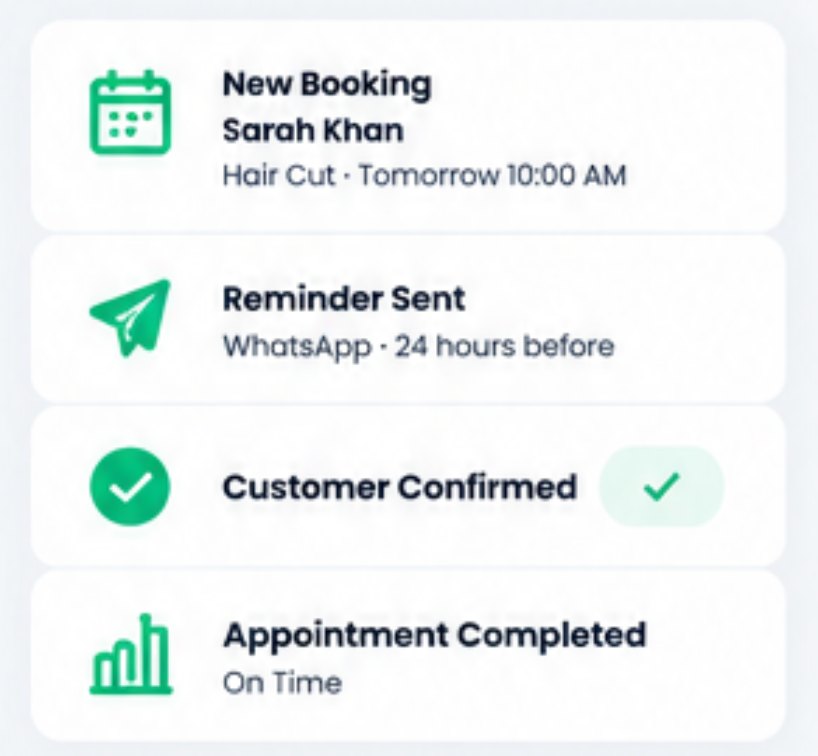
Interface and key controls
See the details that keep work moving.
Choose reminder timing and channel, preview the template, and see the delivery status of today’s reminders. Resend a failed one by another channel.
Reminder Timing
SMS/Email
Template preview
Hi Zoë & Sam <b>, this is Magnolia Hair Studio. See you tomorrow at 12:00 PM. Reply C to confirm. (SMS · 24 hours before, 2 hours before)
Names are inserted as plain text, so a name like “Zoë & Sam <b>” is shown exactly as typed.24 hr before · 10:30 AM · SMSSent
24 hr before · 4:00 PM · SMSFailed · number can’t receive texts
2 hr before · 12:00 PM · SMSScheduled
24 hr before · 8:30 AM · SMSSuppressed · opted out of texts
How automated reminders work
A clearer way to work.
- 01Choose timingFor example 48 hours, 24 hours or 2 hours before.
- 02Check consent and quiet hoursOpted-out customers are skipped; late sends wait until morning.
- 03Create templateYour wording, with the name, time and location filled in safely.
- 04DispatchEach reminder goes out on its channel at the scheduled time.
- 05Record delivery resultSent, failed or suppressed, shown on the booking.
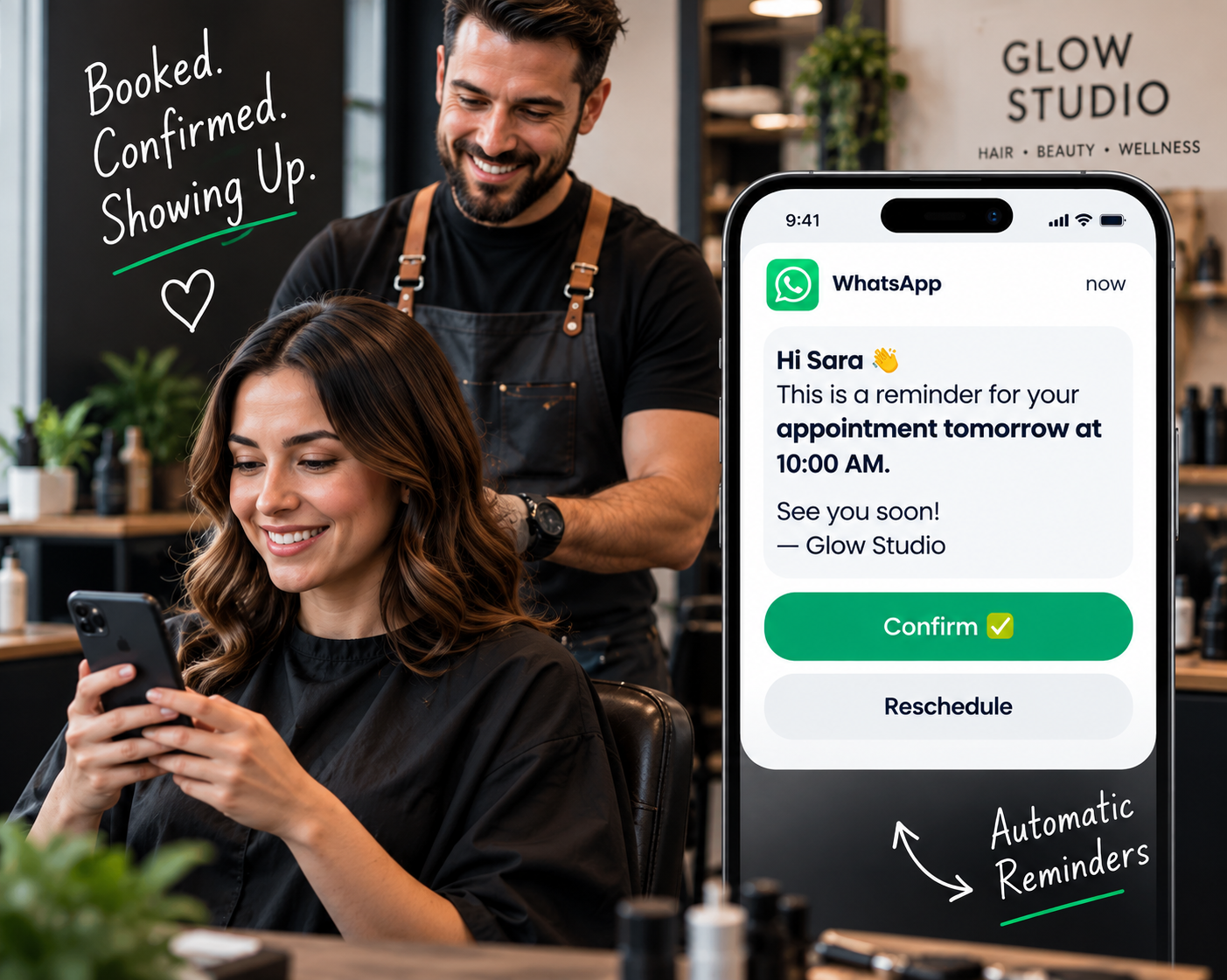
Business scenario
A practical day in the business.
Magnolia Hair Studio in Charleston, SC used to text every client by hand the night before. Owner Courtney Blake turned on 24-hour and 2-hour reminders.
- Mon 10:30 AM — Paige Turner’s 24-hour text reminder goes out; she replies C to confirm.
- Mon 4:00 PM — A reminder to Doug Ramsey fails: the number can’t receive texts. Courtney resends by email.
- Tue 8:30 AM — A client who opted out of texts is skipped; the booking shows “Suppressed”.
- Tue 9:00 AM — The front desk sees every reminder’s status without opening a phone.
Business scenarios and exceptions
Designed for real-world exceptions.
Template values are inserted safely as text, and every reminder ends in a visible state: sent, failed or suppressed.
Can reminders use more than one channel?
Yes. Each reminder can go by text or email, and a failed text can be resent by email.
When are reminders sent?
At the times you choose before each appointment, such as 48, 24 or 2 hours before, adjusted for quiet hours.
What if a customer opts out?
They are suppressed from reminders on that channel. The booking shows the reminder as suppressed.
Who should use automated reminders?
Salons, clinics, studios and any service provider that loses time to missed appointments.
Can customers confirm or reschedule from the reminder?
Customers can reply to confirm. Rescheduling links depend on your booking settings.
Fewer forgotten appointments, less manual texting.
Start a 14-day free trial or book a demo to turn on automated reminders.