

Job Tracking
Know where every job is,
without calling anyone.
Each job moves through one set of statuses, from the request to the closed invoice. Technicians tap the status on their phone; the office, the customer update and the SLA clock follow it.
WO-2516En Route
Fridge not cooling
Broad Ripple · Luis Herrera
Customer told: on the way, about 12 min (estimated)
- Draft
- Open
- Approved
- Scheduled
- Assigned
- Dispatched
- En Route
- Arrived
- In Progress
- Completed
- Closed
Side states:Awaiting ApprovalPausedAwaiting PartsAwaiting CustomerCancelled
One timeline per job
Every change, who made it and when.
Status taps, reassignments, parts, photos, notes and approvals are written to the job as they happen. When a customer calls to ask, anyone in the office can answer from the same record.
WO-2516 · Fridge not coolingToday
- 7:58 Request receivedBooked online by the customer
- 8:03 Approved and scheduled 9:00–11:00Gina Patterson · dispatcher
- 8:05 Assigned to Luis HerreraEligibility: skills match, 12 min away
- 8:41 DispatchedLuis Herrera · phone
- 8:47 En RouteCustomer sent an arrival update
- 9:01 Arrived · checklist openedLuis Herrera · phone
Fair service levels
The clock stops when the wait isn’t yours.
If a job is waiting on the customer, its SLA clock pauses and restarts when work resumes, so your response times show what your team actually controlled.
WO-2490 · Boiler leakAwaiting Customer
3h 12m
SLA clock paused · target 8h
One tap on site
Technicians move a job to En Route, Arrived, In Progress or Completed from their phone. Each status only allows the next sensible step.
Customers kept informed
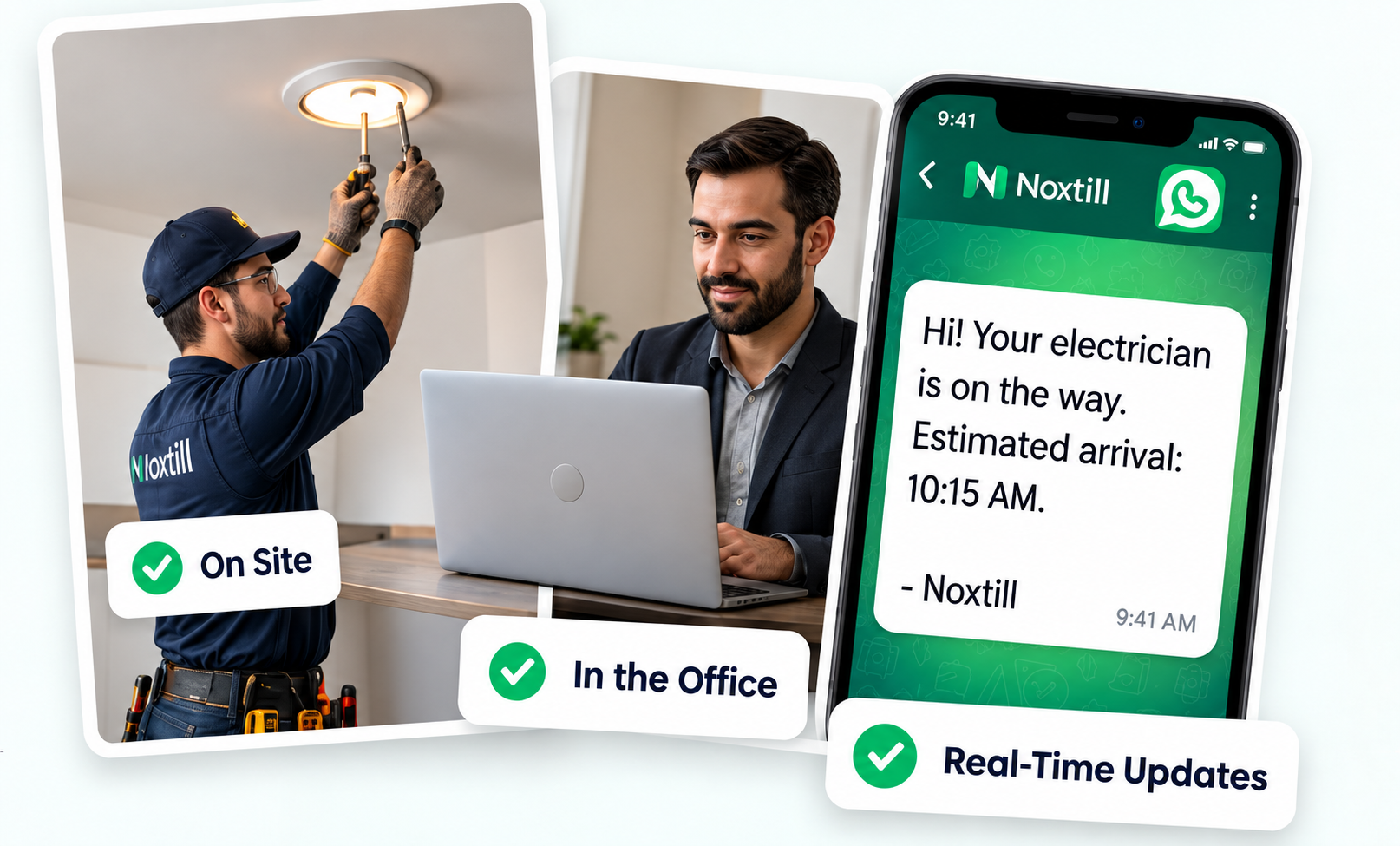
Status changes can send the customer an update, with arrival times always labeled as estimated.
Which statuses does a job go through?
Draft, Open, Approved, Scheduled, Assigned, Dispatched, En Route, Arrived, In Progress, Completed and Closed, with side states for Awaiting Approval, Paused, Awaiting Parts, Awaiting Customer and Cancelled.
Can a technician skip a step?
No. Each status only allows the next valid ones, so a job can’t jump from Assigned to Completed without being dispatched and started.
When does the SLA clock pause?
While the job is Awaiting Customer. It restarts when the job goes back to In Progress or is rescheduled.
Do technicians only see their own jobs?
Staff with technician access see the jobs assigned to them. Managers and owners see every job.
Is arrival time exact?
No. Arrival times are estimates and are always labeled that way to the customer.
Every job, visible from request to invoice.
Start a 14-day free trial or book a demo to see job tracking with your own team.