

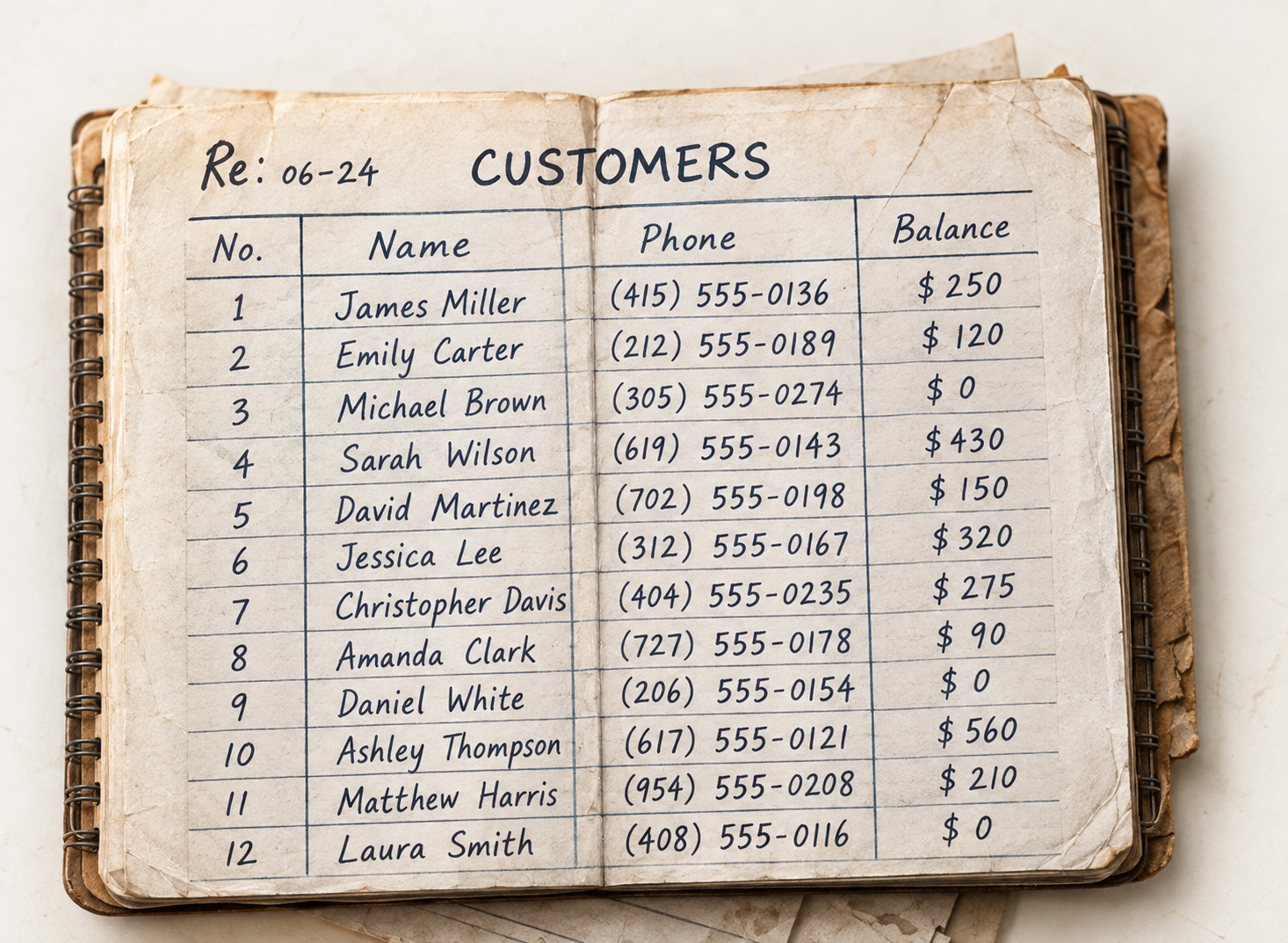
What it recognises
Each value read as what it is.
A phone number is checked as a phone number, an amount as money and a quantity as a whole number, so a stray mark doesn’t turn into a wrong balance.
Confidence you can see
It tells you where it’s unsure.
Every field carries a confidence level. Clear values go straight to review; smudged digits, crossed-out entries and totals that don’t add up are highlighted for a person to confirm.
FAQs
Data extraction questions.
Related: Document Scanning · Review & Approve Data · Product Digitization
What does it extract from a page?
The rows and fields on it: names, phone numbers, emails, amounts, quantities, product codes, dates and notes, depending on the kind of page.
What happens when it can’t read something?
The field is highlighted with a lower confidence so you can correct it, and you can reprocess the page or retake the photo.
Does it check the numbers?
Yes. Values are checked as the kind of field they are, and totals that don’t match their lines are flagged.
Can I edit the extracted table?
Yes. Edit any cell or row before approving. The original page stays alongside for comparison.
Where does the data go?
Nowhere until you approve it. Then each row goes to customers, products, expenses, suppliers, credit balances or stock, as you choose.
Turn every page into clean data.
Start a 14-day free trial or book a demo to read your first page.