

Business scenario
A practical day in the business.
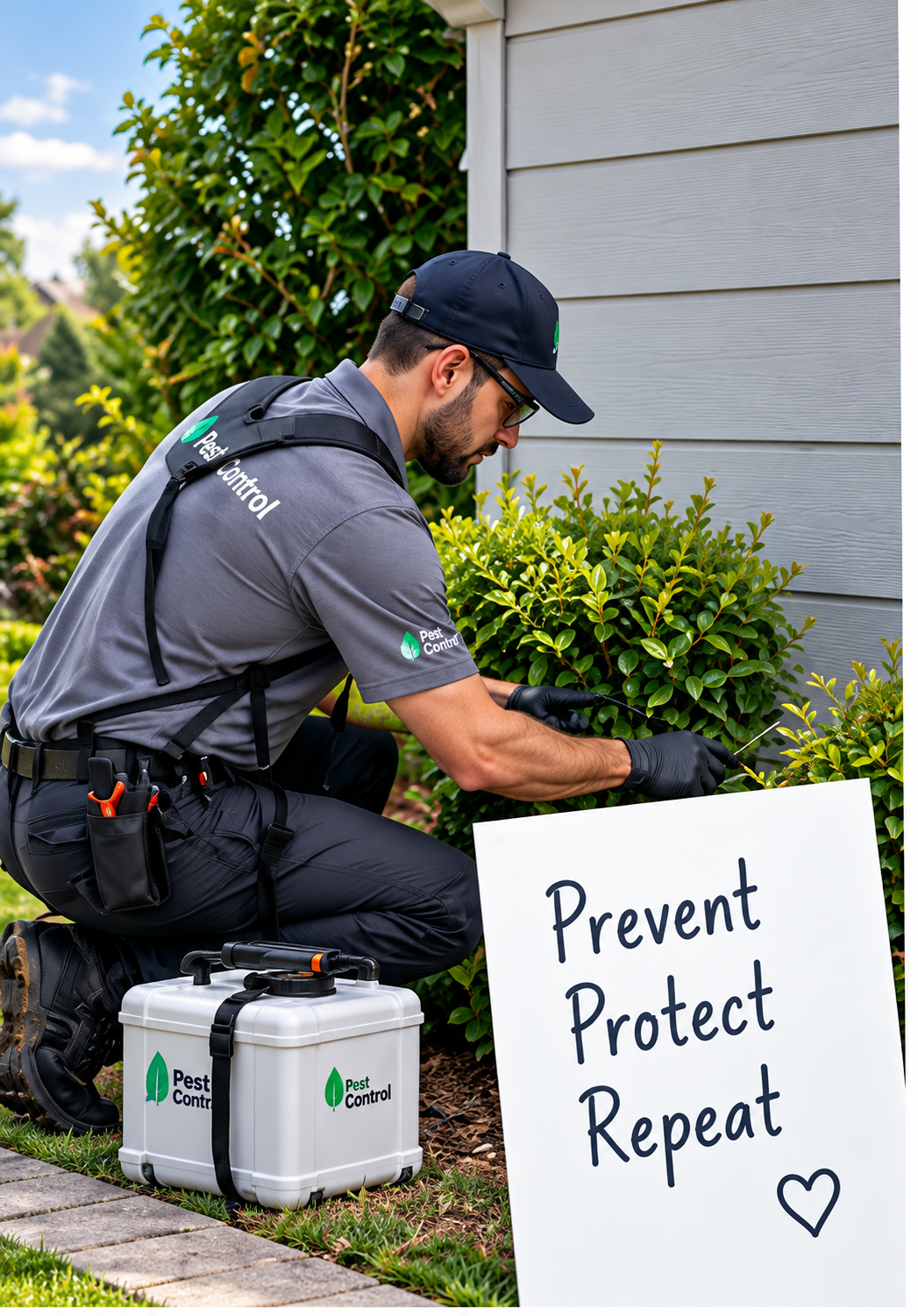
Ridgeline Pest Control in Charlotte, NC calls existing customers before their service plans renew. Account rep Melissa Ward has 38 renewals due this month.
- 9:00 AM — Melissa opens the October renewals list; 2 numbers are suppressed for no consent or do-not-call.
- 9:04 AM — Power mode dials Rachel Adams. Melissa sees her plan and last visit before Rachel answers.
- 9:09 AM — Rachel renews her quarterly plan. Melissa saves “Renewal booked”; the next call starts.
- 11:30 AM — Her manager reviews outcomes by call, not by guesswork.
How auto dialer & power dialer works
A clearer way to work.
- 01Import eligible contactsCustomers with an existing relationship, uploaded or pulled from your CRM.
- 02Check consent and suppressionDo-not-call and no-consent numbers are removed before dialing.
- 03Choose dial modePreview to review each record first, or Power to dial the next contact automatically.
- 04Place permitted callOnly eligible numbers can be dialed, during the calling hours you set.
- 05Record dispositionEvery outcome is saved to the customer record and the next contact is queued.
Why it matters
Manual dialing makes follow-up slow and uneven.
Copying numbers from a spreadsheet, dialing by hand and writing notes afterward means fewer calls and patchy records. Some customers get called twice; others never hear back.
A power dialer keeps reps on the conversation. The list is checked first, the next call is ready, and outcomes are recorded the same way every time.

Interface and key controls
See the details that keep work moving.
Filter the list, switch dial mode, open a contact and record an outcome. Suppressed contacts can be viewed but never dialed.
Business scenarios and exceptions
Designed for real-world exceptions.
Consent and do-not-call checks run before a number can be dialed, and calls only go out during the hours you set. Unsolicited mass calling is not what this is for, and calling rules still apply to your business.
How are consent and do-not-call rules handled?
Each contact needs a consent source before it can be dialed. Numbers on your do-not-call list, or customers who ask not to be called, are suppressed across every list. You remain responsible for following the calling rules that apply to your business.
What’s the difference between preview and power dialing?
Preview shows the record first and dials when the rep clicks. Power dials the next eligible contact automatically after the rep saves an outcome.
Can I use it for cold calling purchased lists?
No. It is built for calling customers and leads who have a relationship with you and have agreed to be contacted.
Who should use auto dialer and power dialer?
Account-care, renewals and sales teams that follow up with existing customers and permitted leads.
Where are call outcomes saved?
On the customer record in Noxtill, with the date, time, rep and outcome, so managers can review follow-up by call.
Spend the day talking, not dialing.
Start a 14-day free trial or book a demo to set up a permission-based power dialer.