

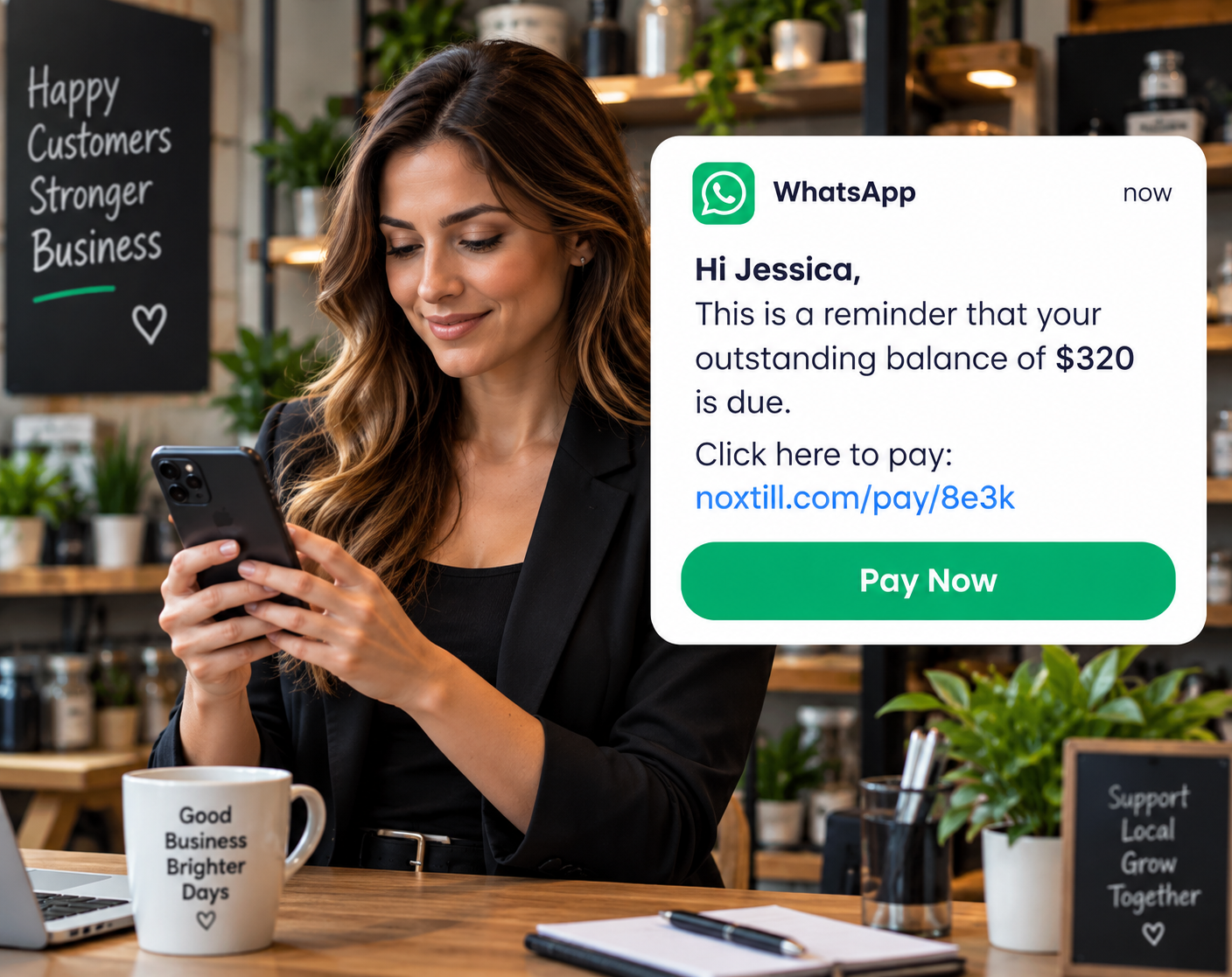
Why it matters
Promises made in chat are easy to lose.
“I’ll send that quote Tuesday” gets typed into a text thread and scrolled away. Days later the customer has moved on, and nobody remembers who said they’d follow up.
Follow-ups & Reminders put each promise on a list with a due time, a reason and an owner, so it shows up on the right day for the right person.
How follow-ups & reminders work
A clearer way to work.
- 1Select triggerA quote sent, a visit completed, or a promise you type in yourself.
- 2Choose channel and due timeText, email or a call, at a specific date and time.
- 3Review messageTemplates fill in names and details; you can edit before sending.
- 4Send if permittedQuiet hours and unsubscribe preferences are checked first.
- 5Close or rescheduleMark it done, snooze it, or set the next follow-up.
Interface and key controls
See the details that keep work moving.
Mark follow-ups done or snooze them, and see how quiet hours and unsubscribes change what can be sent.
Assignee: Tara QuinnReady to send
Assignee: Jordan EllisReady to send
Assignee: Tara QuinnHeld for quiet hours · sends 8:00 AM
Business scenarios and exceptions
Designed for real-world exceptions.
Reminders respect quiet hours and unsubscribe choices, failed deliveries are shown instead of hidden, and any follow-up can be snoozed.
Business scenario
A practical day in the business.
Bluebird Pools & Spas in Scottsdale, AZ sends resurfacing and repair quotes every day. Sales lead Tara Quinn and service manager Jordan Ellis share the follow-ups.
- Mon 4:10 PM — Tara sends Heather Dunn a $14,800.00 resurfacing quote and sets a follow-up for Tuesday 10 AM by text.
- Tue 8:00 AM — The follow-up appears in Tara’s Due Today list with the quote attached.
- Tue 10:02 AM — Tara reviews the text and sends it. Heather replies with questions about tile.
- Tue 10:20 AM — Tara marks it done and sets the next follow-up for Thursday: “send tile samples”.

How are reminders scheduled without spamming customers?
Each follow-up has one due time and one channel. Quiet hours, unsubscribe choices and a limit on messages per customer are checked before anything is sent.
Can a follow-up be a task instead of a message?
Yes. A follow-up can be a call or a to-do for the assignee, not only an automatic text or email.
What does snooze do?
It moves the follow-up to a later time you choose and keeps a note of the change.
Who should use follow-ups and reminders?
Appointment, quoting and relationship teams who make promises to customers and need them kept.
What happens if a message fails to send?
The follow-up is marked failed with the reason, and the assignee gets a task to reach the customer another way.
Keep every promise to follow up.
Start a 14-day free trial or book a demo to set up follow-ups and reminders.