


Why it matters
“Do you take…?” shouldn’t end a sale.
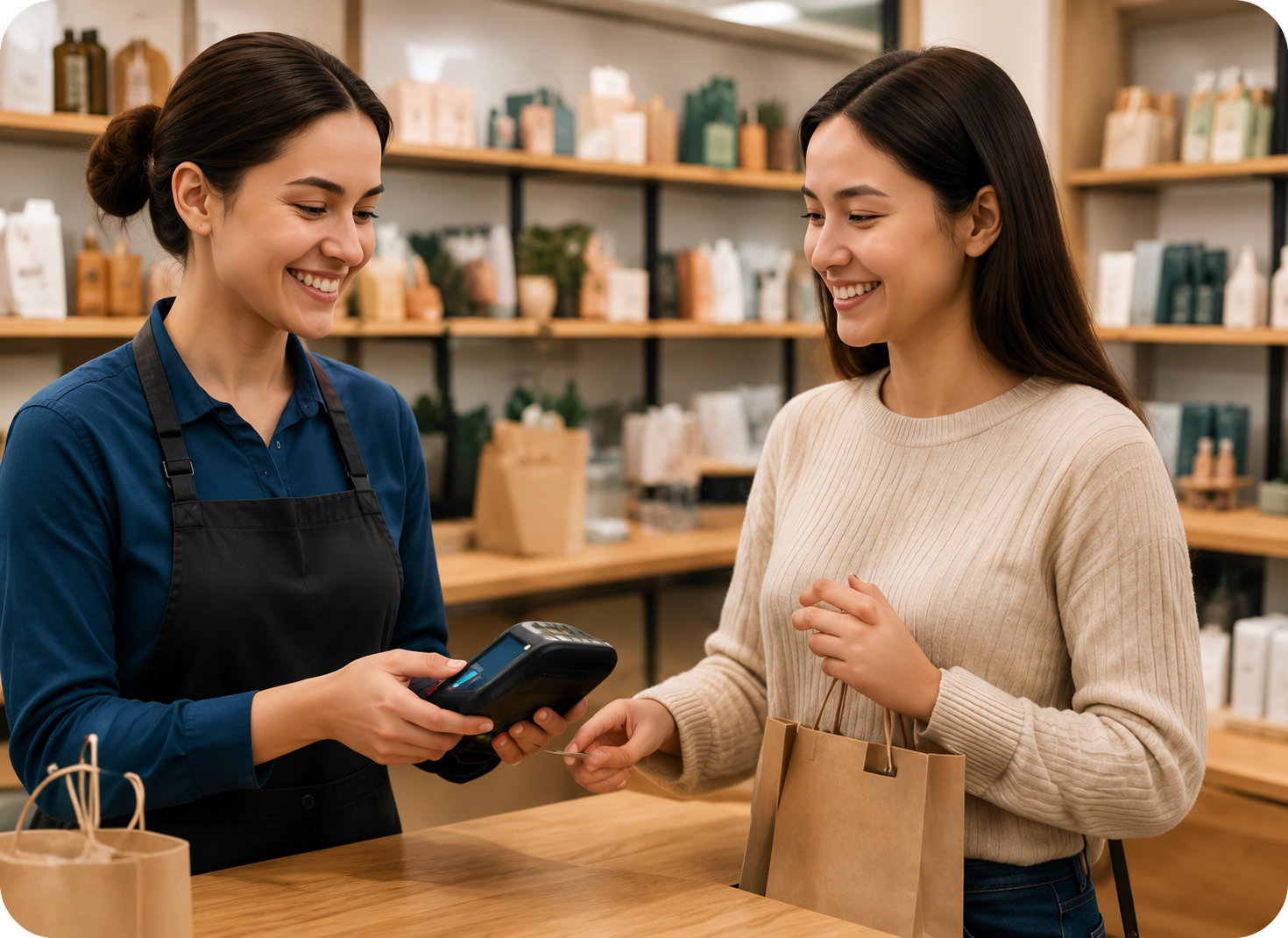
Some customers tap a phone, some pay by card, some want an invoice link to pay later, and regulars may have a store account. Turning any of them away costs the sale.
Payment methods lets you offer the options your processor supports, all recorded the same way in your sales history.
How payment methods work
A clearer way to work.
- 1Connect a processorLink a supported payment processor for card and wallet payments.
- 2Turn on methodsChoose which methods appear at checkout.
- 3Customer choosesThe cashier selects how the customer pays.
- 4Confirm paymentThe sale closes when the processor or cashier confirms it.
- 5Refund the same wayRefunds go back to the original method by default.
Interface and key controls
See the details that keep work moving.
Turn methods on and off, then pick one for a $64.00 sale. Some methods depend on your processor or customer settings.
Methods at checkout
Availability depends on your processor
Business scenarios and exceptions
Designed for real-world exceptions.
Methods only appear when your processor supports them. Wallet payments depend on device and processor support, and refunds follow the original method.
Business scenario
A practical day in the business.
Bloom & Stem Flowers in Albuquerque, NM sells in store, by phone and for events. Owner Lucia Navarro turned on four payment methods.
- 10:15 AM — A walk-in customer taps her phone to pay for a $64.00 bouquet.
- 11:00 AM — A phone order gets a payment link by text; it shows Pending until paid.
- 2:30 PM — A wedding planner with a store account adds $410.00 to her Outstanding Balance.
- 4:45 PM — A cash sale is recorded with change given, and the drawer total updates.

Which payment methods can I accept?
Card, tap to pay, digital wallets, cash, payment links and Customer Credit, depending on your processor and settings.
Do you support Apple Pay and Google Pay?
Wallet payments work when your payment processor and the customer’s device support them.
Can customers pay later?
Yes, with a payment link or by charging an approved Customer Credit account, up to its limit.
Who should use payment methods?
Stores and service providers whose customers pay in different ways, in person and remotely.
How do refunds work?
By default, refunds go back to the original payment method. Cash refunds are recorded by the cashier.
Say yes to how your customers pay.
Start a 14-day free trial or book a demo to set up payment methods.