Help Centre Contact Sales
Sign in
Noxtill

Learn the Craft of Running a Connected Business.

Guides, product education and documentation for teams evaluating or running Noxtill — from first setup to multi-location reporting. Written by the people who build the platform.

Try a module name, a workflow or a setting.

Featured guide

Moving from four tools to one: a two-week migration plan

The order that works: catalog first, then customers, then open balances, then bookings. What to freeze, what to run in parallel, and how to reconcile the first week’s numbers against your old POS so the team trusts them.

Read the guide 14-minute read · Updated August 2026
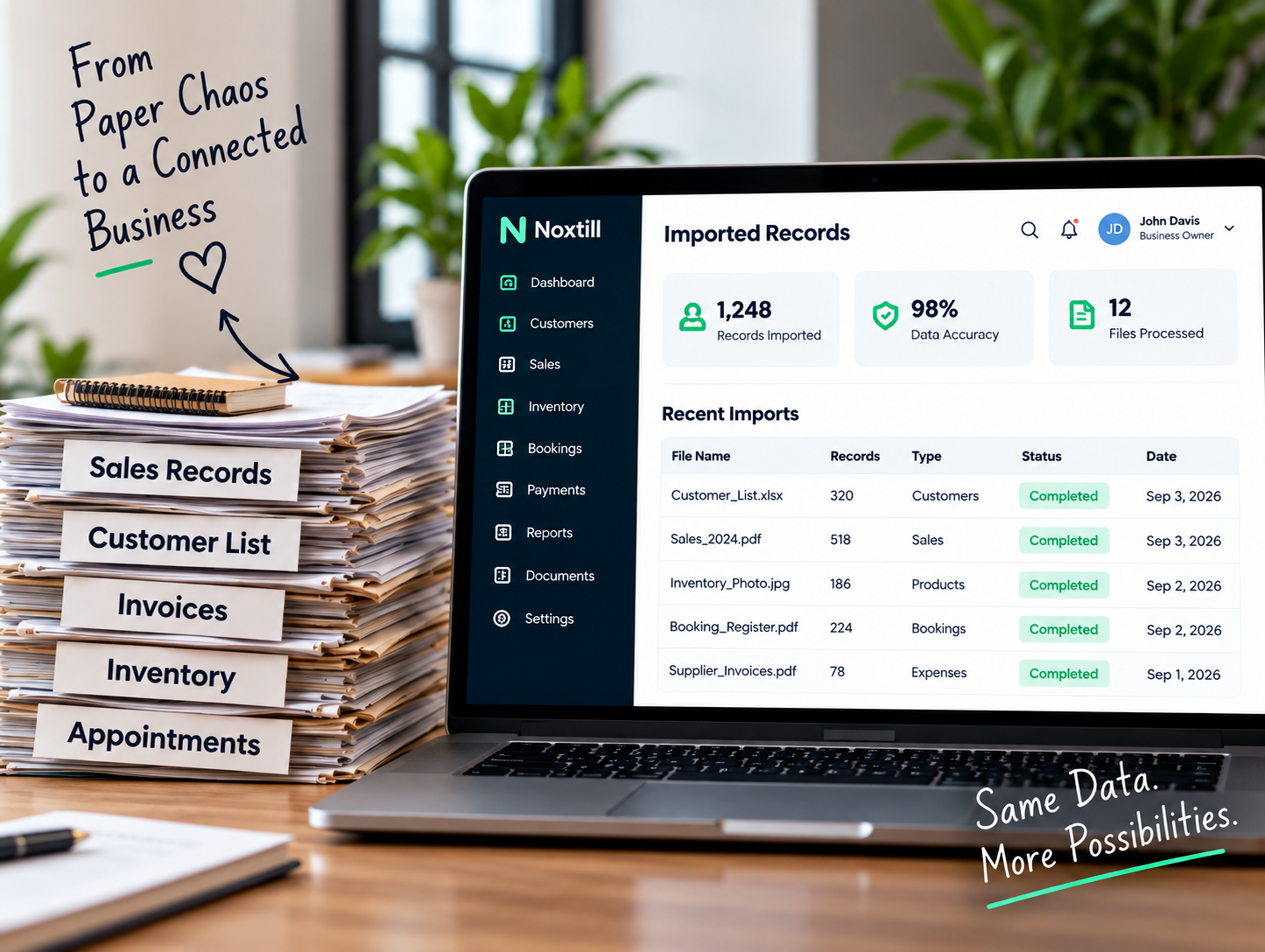
Paper records beside a laptop showing the same records in Noxtill

Learn

All Guides Blog Product updates
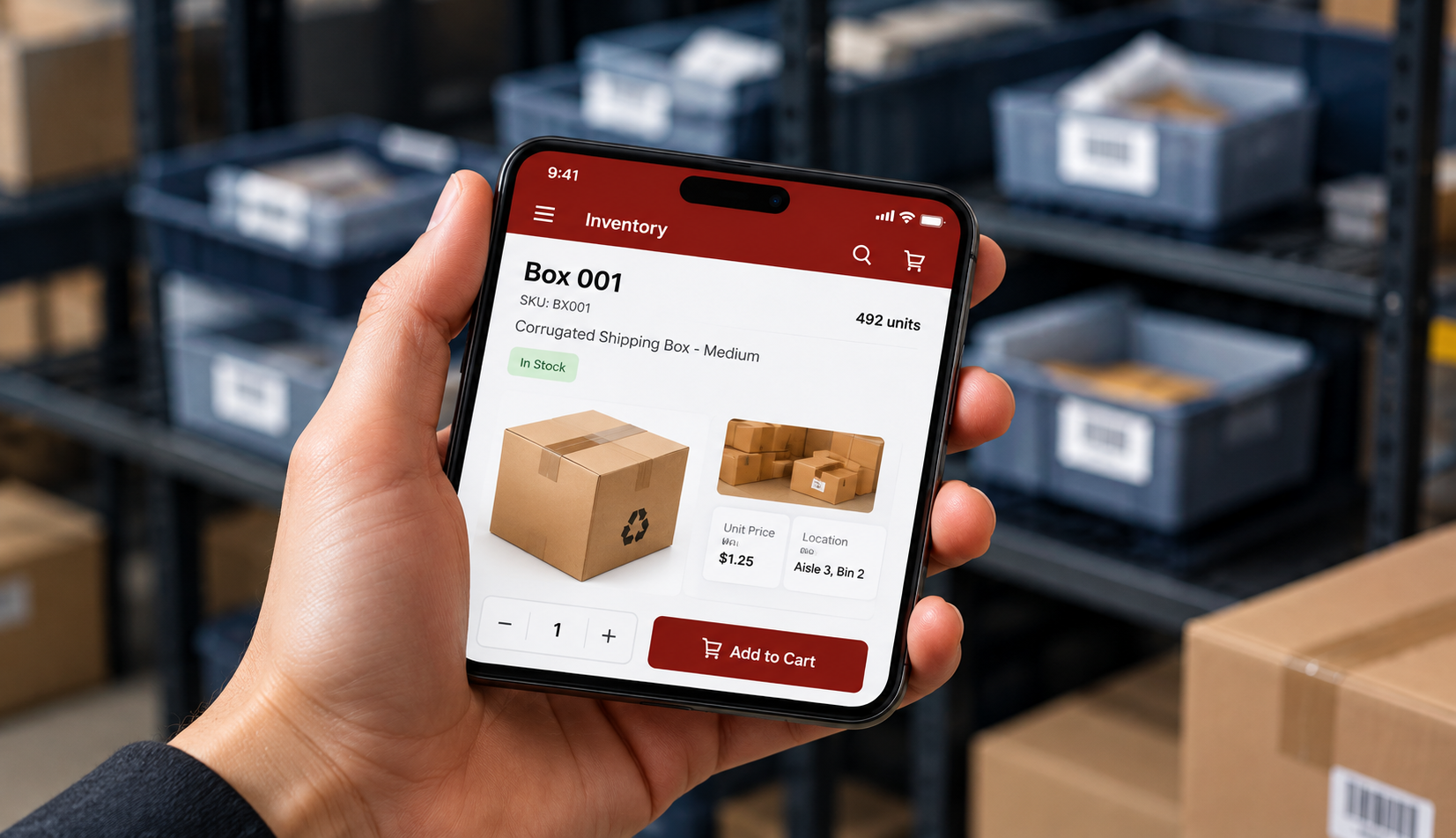
Checking stock on a phone in a storeroom
Guide

Inventory management without spreadsheets

Set reorder points that reflect real sell-through, run transfers between locations, and read the movement log when a count is off.

Inventory · 9-minute read
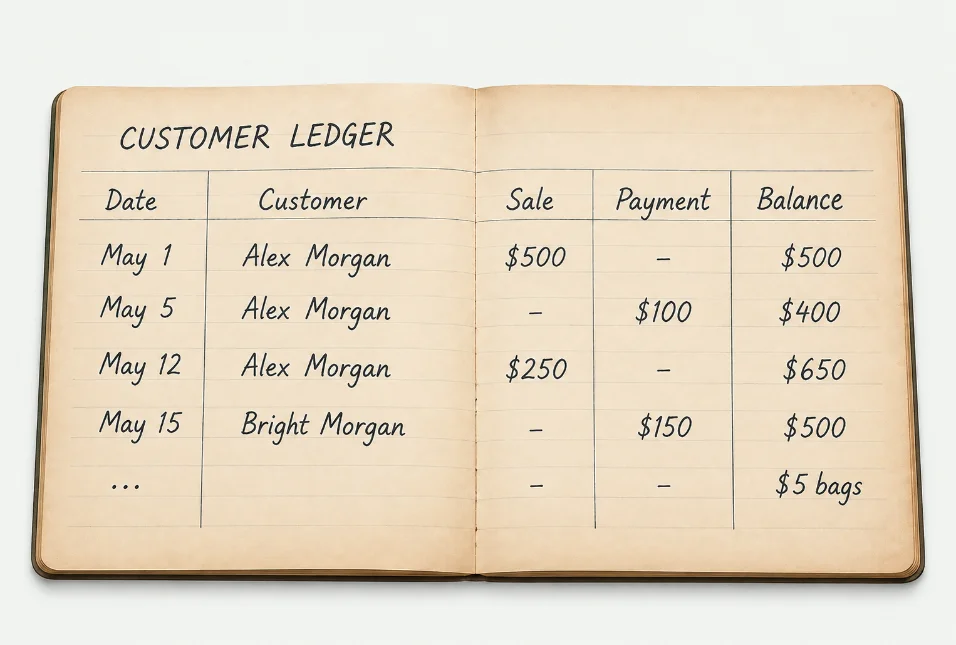
A handwritten customer credit ledger
Guide

Running a credit ledger customers trust

How to record what a customer owes, when to send a statement, and how to word a recovery reminder that keeps the relationship.

Customer Credit · 7-minute read
A business health score on a laptop
Blog

What a Business Health Score should actually measure

Why a single number is only useful when you can open it up — and the four inputs we weight behind ours.

Analytics · 6-minute read
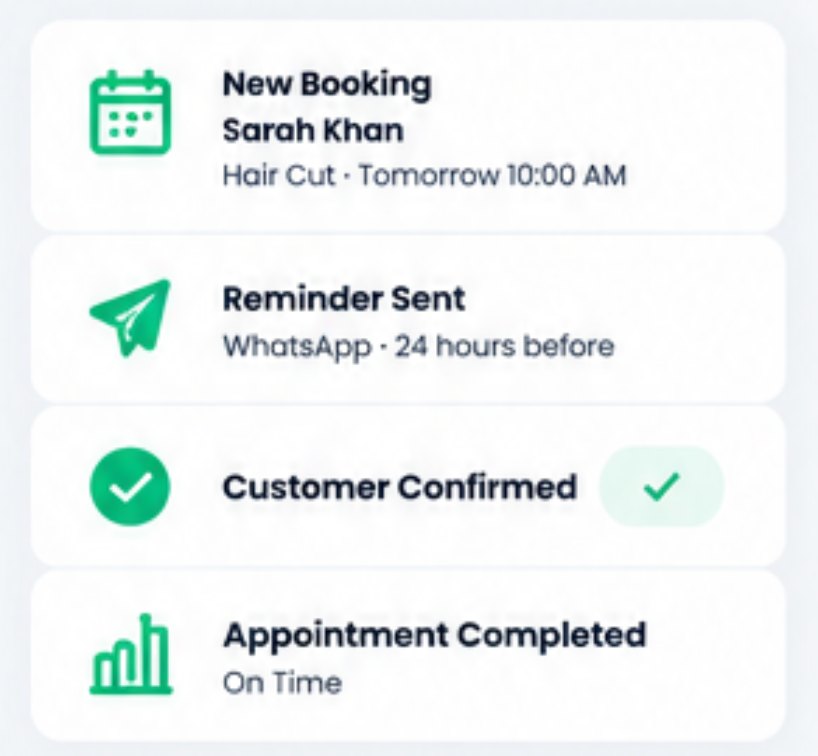
Booking, reminder and confirmation steps
Guide

Cutting no-shows with reminder timing

Reminder windows by service length, the channel each customer answers on, and when a confirmation request beats a reminder.

Bookings · 8-minute read
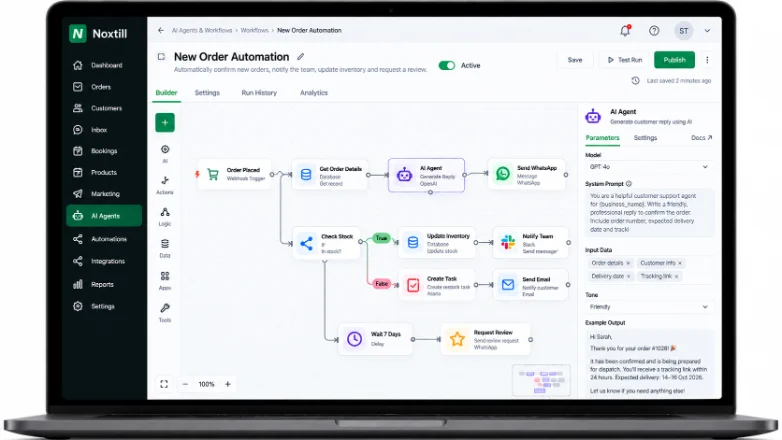
An automation workflow with an approval step
Product update

AI approval gates now configurable per role

Choose exactly which AI actions may send, publish or post without review — set per branch and per role in Settings.

August 2026 · Release notes
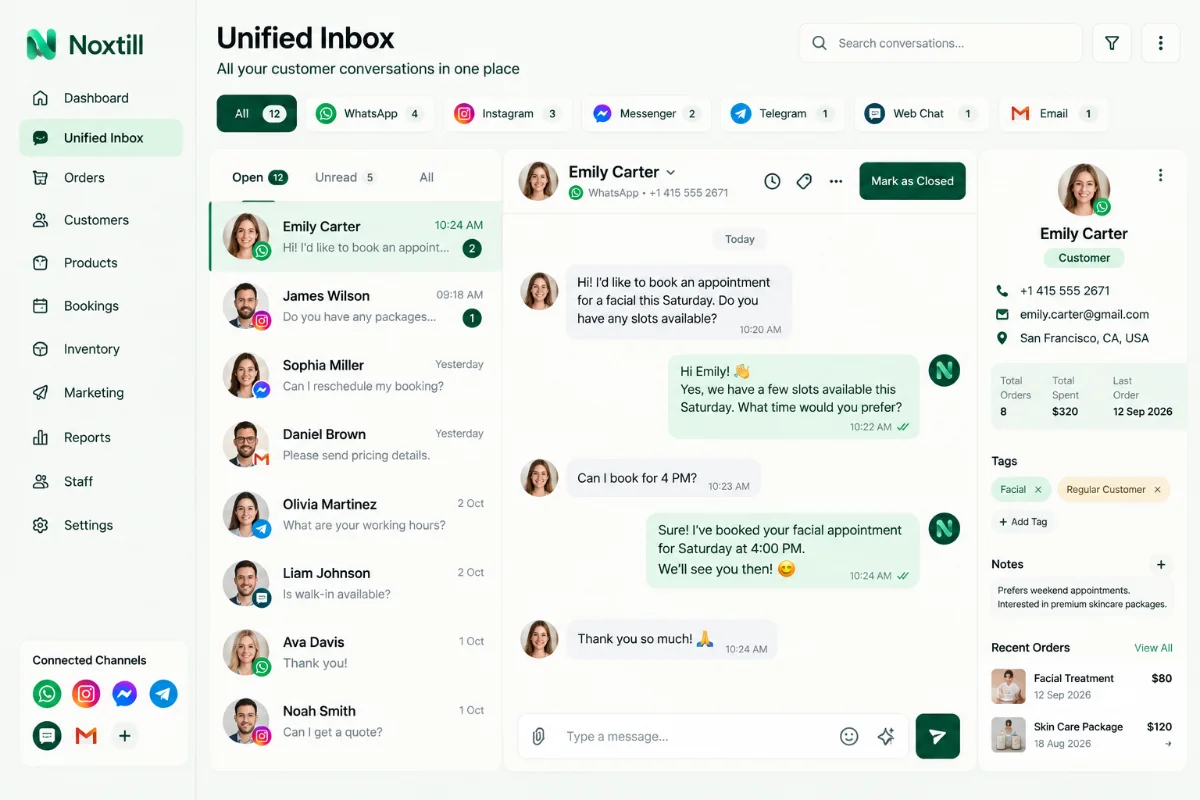
The Unified Inbox with conversations from several channels
Guide

One inbox, eight channels: a routing setup

Assignment rules, working hours, escalation and when to let an AI draft wait for a human to approve it.

Unified Inbox · 10-minute read
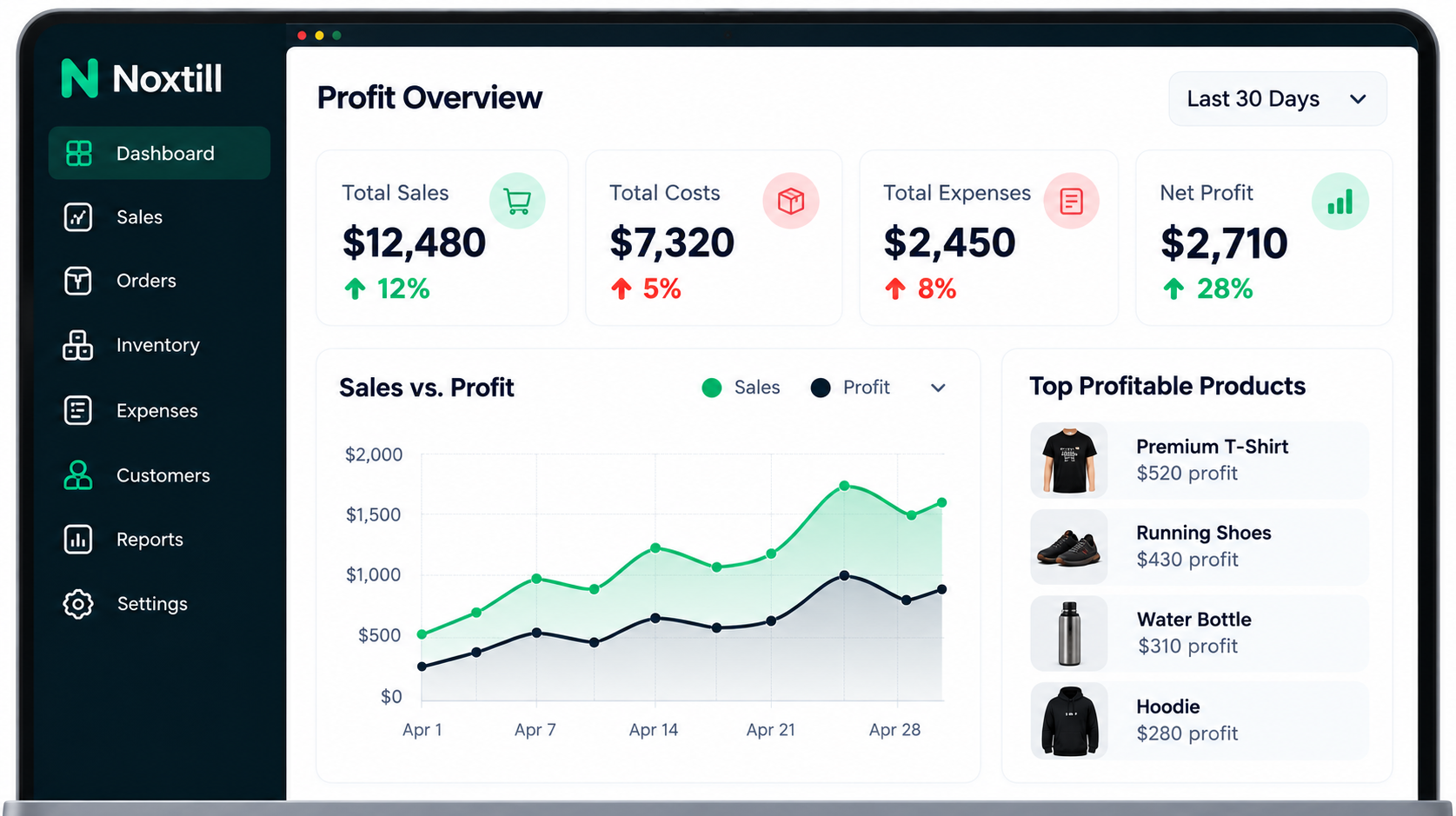
A profit overview with margin by product
Blog

Reading margin by product, not just revenue

Revenue flatters. Here is how to find the line that is quietly losing you money and what to change first.

Profit & Analytics · 7-minute read
Four branches of the same business
Guide

Opening a second location on one system

Shared catalog, separate stock, per-location pricing and tax, and what to standardise before you open the doors.

Branches · 11-minute read

Support

When the documentation does not cover it, talk to a person who knows the product.

Trial accounts get the same support as paid ones.

Frequently asked

How long does setup usually take?

A single location with a modest catalog is typically running the same day. Multi-location groups follow the two-week migration plan above, which sequences catalog, customers, open balances and bookings.

Can I import from my current POS or spreadsheet?

Yes. Products, customers and open balances import from CSV, and our team will map the columns with you during onboarding.

Is training included?

Guided setup is included on the Business plan and dedicated onboarding on Enterprise. Every plan gets the Help Center, guides and product education material.

Where do I report a problem or request a feature?

Through Contact support — requests go to the product team, and shipped changes appear in Product updates.