

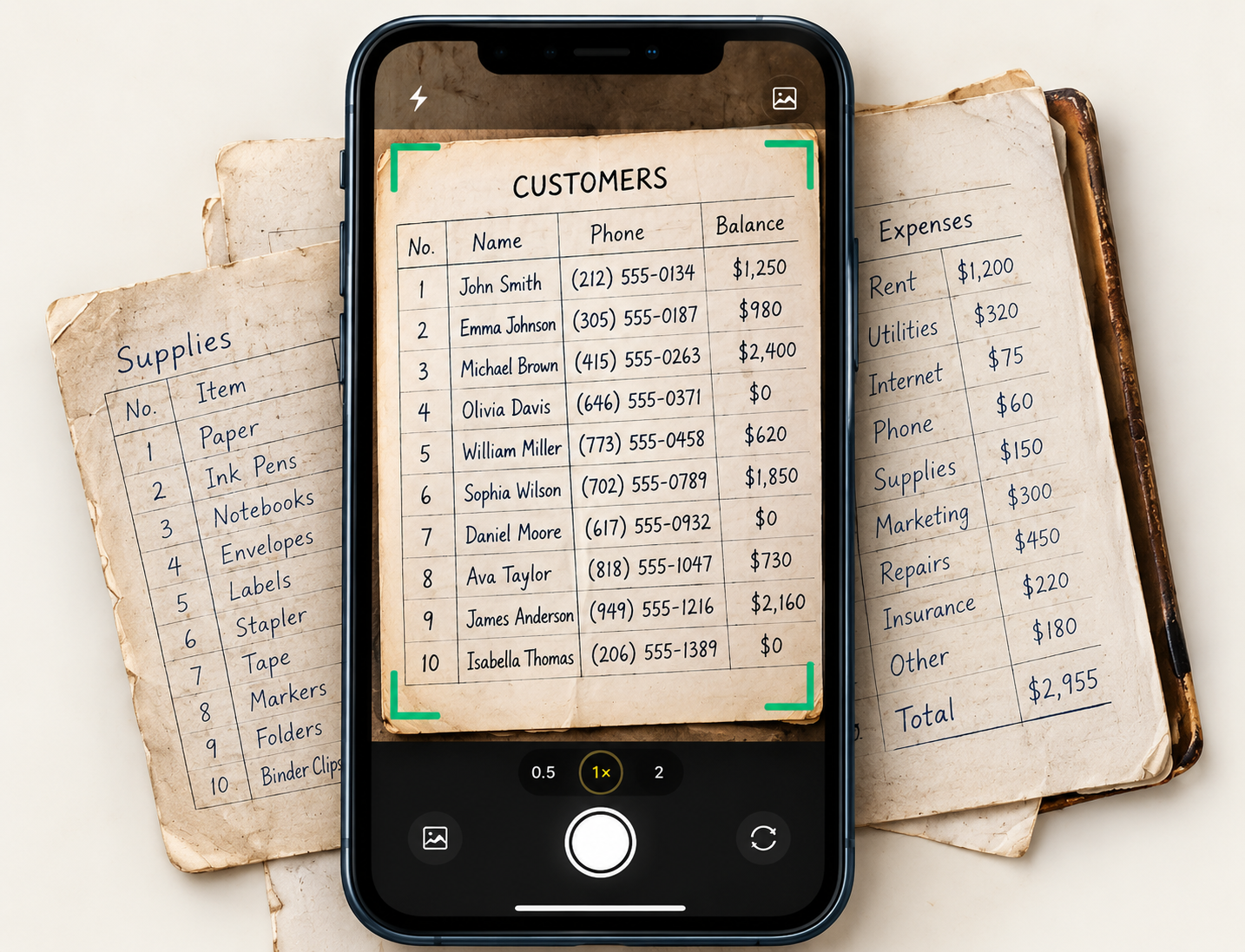
What you can scan
Ten kinds of page, each read the right way.
Tell the scanner what kind of page it is, or let it decide. Each kind has its own fields and a sensible place for the data to go, which you can change before anything is saved.
Files and limits
Clear about what it reads.
Photos and PDFs work. Some formats don’t yet, and we say so up front instead of failing quietly after you upload.
JPEG, PNG and WebP photos
PDFs, including multi-page ones
iPhone HEIC files and Word or Excel files are not read yet
Photo size
10 MB
Per image
PDF size
20 MB
Per document
PDF pages
40
Per document
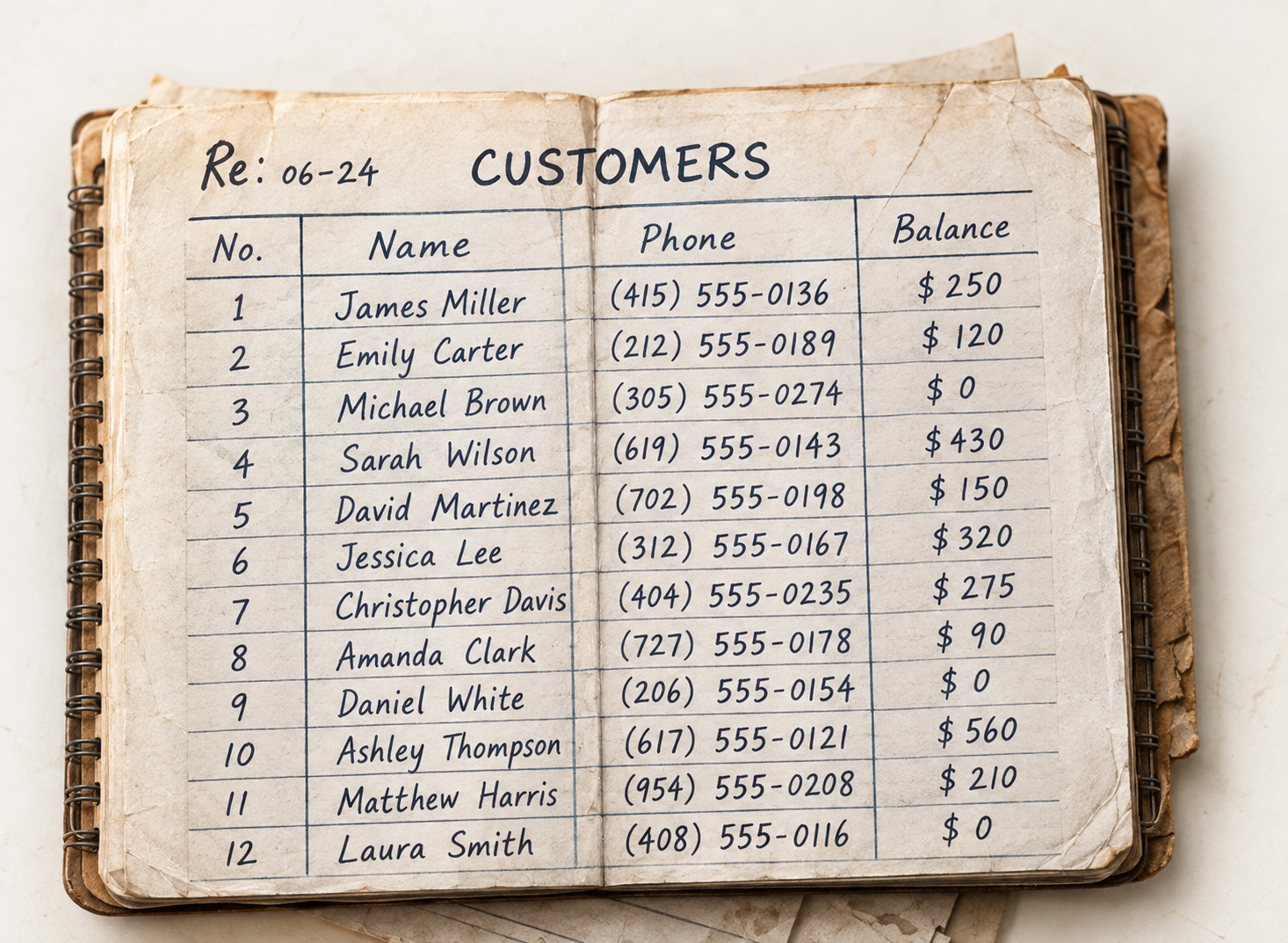
Better photos
Old notebooks welcome.
Faded ink, ruled pages and cramped handwriting are what this was built for. A few habits make every page read cleaner.
- Good light, no flash glareDaylight or an even lamp keeps faint ink readable.
- Whole page in the frameKeep all four corners in view so no column is cut off.
- One page per photoFor a book, photograph each page; for many pages, a PDF is easiest.
FAQs
Document scanning questions.
Related: Data Extraction · Review & Approve Data · Receipt & Invoice Scan
Can it read handwriting?
Yes. It is built for handwritten registers, ledgers and price lists as well as printed pages. Anything it is unsure of is marked for you to check.
Which files can I upload?
JPEG, PNG and WebP photos up to 10 MB, and PDFs up to 20 MB and 40 pages. HEIC photos and Word or Excel files are not supported yet.
Do I have to say what kind of page it is?
No. You can pick the kind of page, or choose “anything else” and let it sort each row on its own.
Is anything saved straight away?
No. Scanned data waits for your review and goes into your records only after you approve it.
Can I see the original later?
Yes. The original photo or PDF stays with the scan so you can compare it with what was read.
Bring the paper in, one photo at a time.
Start a 14-day free trial or book a demo to scan your first page.